Page 1 of 2
Microwave Display Burnt Out
Posted: May 27th, 2018, 11:11 am
by pdemarest
The original Sharp Carousel microwave that came with my 2003 Premier had a burnt out display when I bought it. It still works but because there's no display I'm limited to high power only and cooking time. Does anyone out there have a copy of the original instructions for this model? Also, has anyone had luck getting the display fixed. Finally, if you've replaced your microwave what did you find that fits that opening?
Just back from over two weeks on the road and going through my fix-it list...
Paul
Re: Microwave Display Burnt Out
Posted: May 27th, 2018, 12:00 pm
by SMan
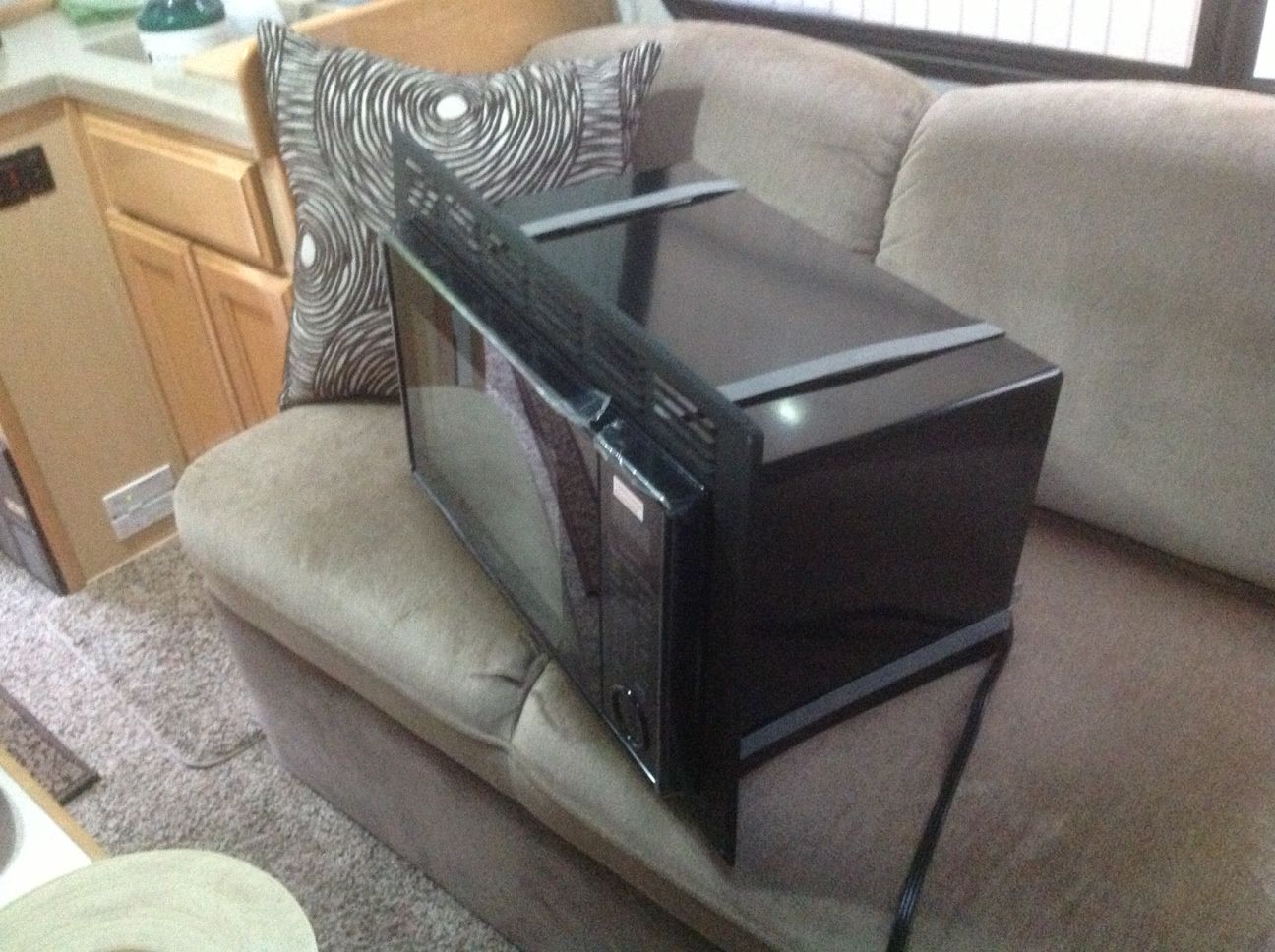
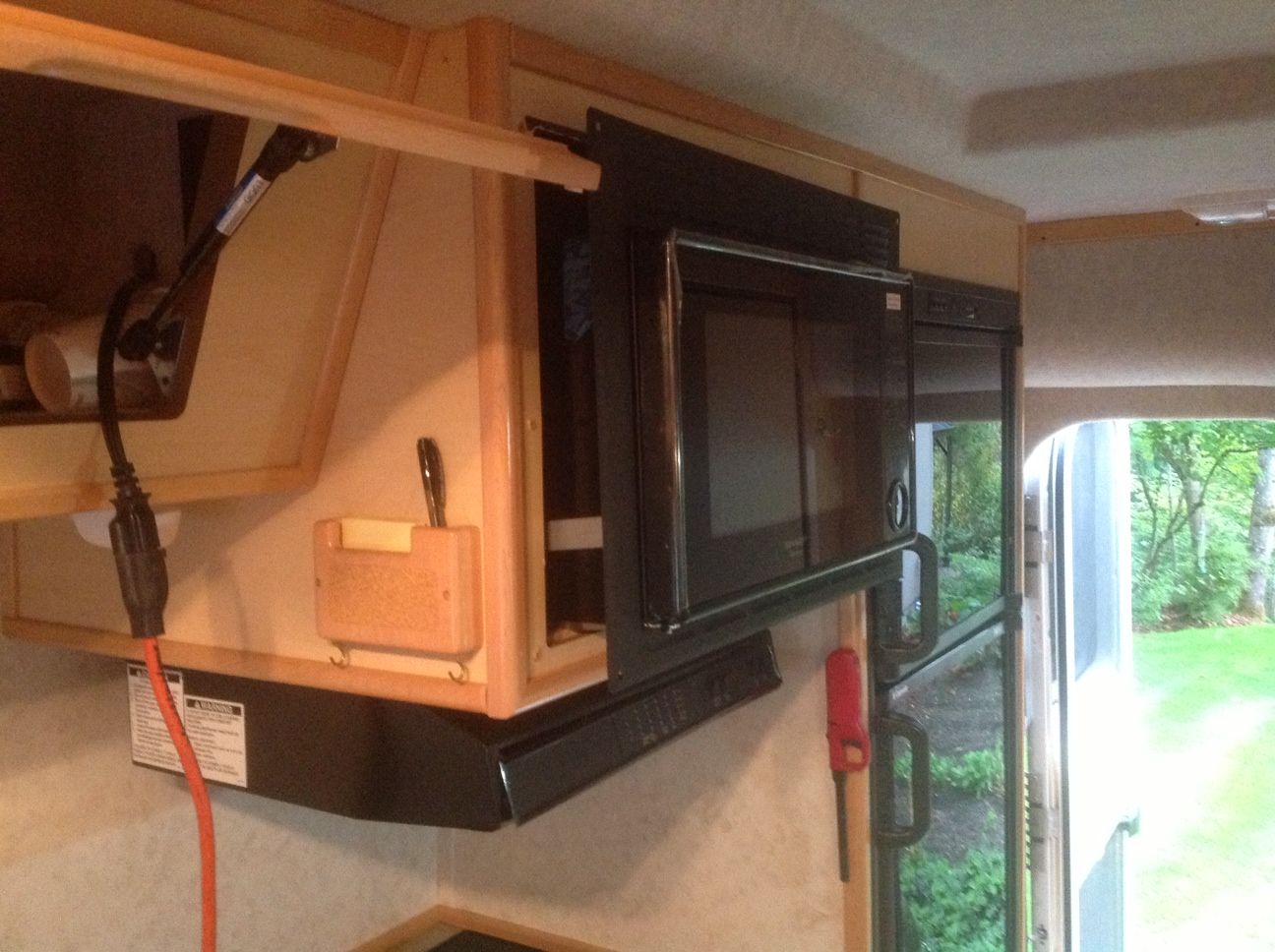
Image quality is poor. To replace ours I just found another Sharp that fit the opening of the wall bezel. I think I bought it at Lowes. Model is R 309Y
Re: Microwave Display Burnt Out
Posted: June 7th, 2018, 12:56 pm
by pdemarest
Hi Steve - thanks - I don't know how I missed your reply until now but appreciate the model # info.
Paul
Re: Microwave Display Burnt Out
Posted: September 10th, 2018, 5:59 pm
by Dano
Paul/Steve;
Did this Sharp microwave end up fitting in your bezel okay? My display is also shot and am trying to locate a replacement. Your Sharp looks perfect, did it end up working for either of you? Many thanks,
Dano
Re: Microwave Display Burnt Out
Posted: September 11th, 2018, 11:39 am
by SMan
It fit perfectly with no problems.
Re: Microwave Display Burnt Out
Posted: October 10th, 2018, 12:49 pm
by Dano
I found a solid replacement at Walmart. Hamilton Beach model EM031MFB. Looks like the magical size is 1.1 cubic feet. I did notice some variations in the size so just make sure whatever you buy fits within your bezel size.
Walmart link:
https://www.walmart.ca/en/ip/hamilton-b ... 0195999725
Dano
Re: Microwave Display Burnt Out
Posted: November 29th, 2018, 10:47 am
by chin_k
I have the same problem with my Sharp microwave, and will be trying to reattach the LCD ribbon cable and make better contact with a variable temperature soldering iron. I will try to go from 200F to 400F and see what temperature is needed to melt the adhesive. Hopefully it is just the end that attached to the PCB and not the LCD.
See this
link for the instruction.
Re: Microwave Display Burnt Out
Posted: December 1st, 2018, 9:24 pm
by chin_k
I set the temperature at 250F, went over the ribbon cable ends on the LCD and the PCB, put it back together, and it worked nicely.

The connections on the ribbon deteriorated over the years (2002 microwave), and the extra resistance make the liquid crystal not orienting properly, so the display look bad or does not work at all. This does not involve detaching the ribbon at all. The "reattach" process is just going over the ribbon with the heat with the ribbon in place.
Re: Microwave Display Burnt Out
Posted: December 2nd, 2018, 5:21 am
by Dano
Nicely done! Great save and great tip, thank you....
Re: Microwave Display Burnt Out
Posted: December 2nd, 2018, 8:37 am
by Blue~Go
Good on you, Chin_k! I love it when people can figure out how to fix things that are supposedly throw aways
